Using SotaAgents
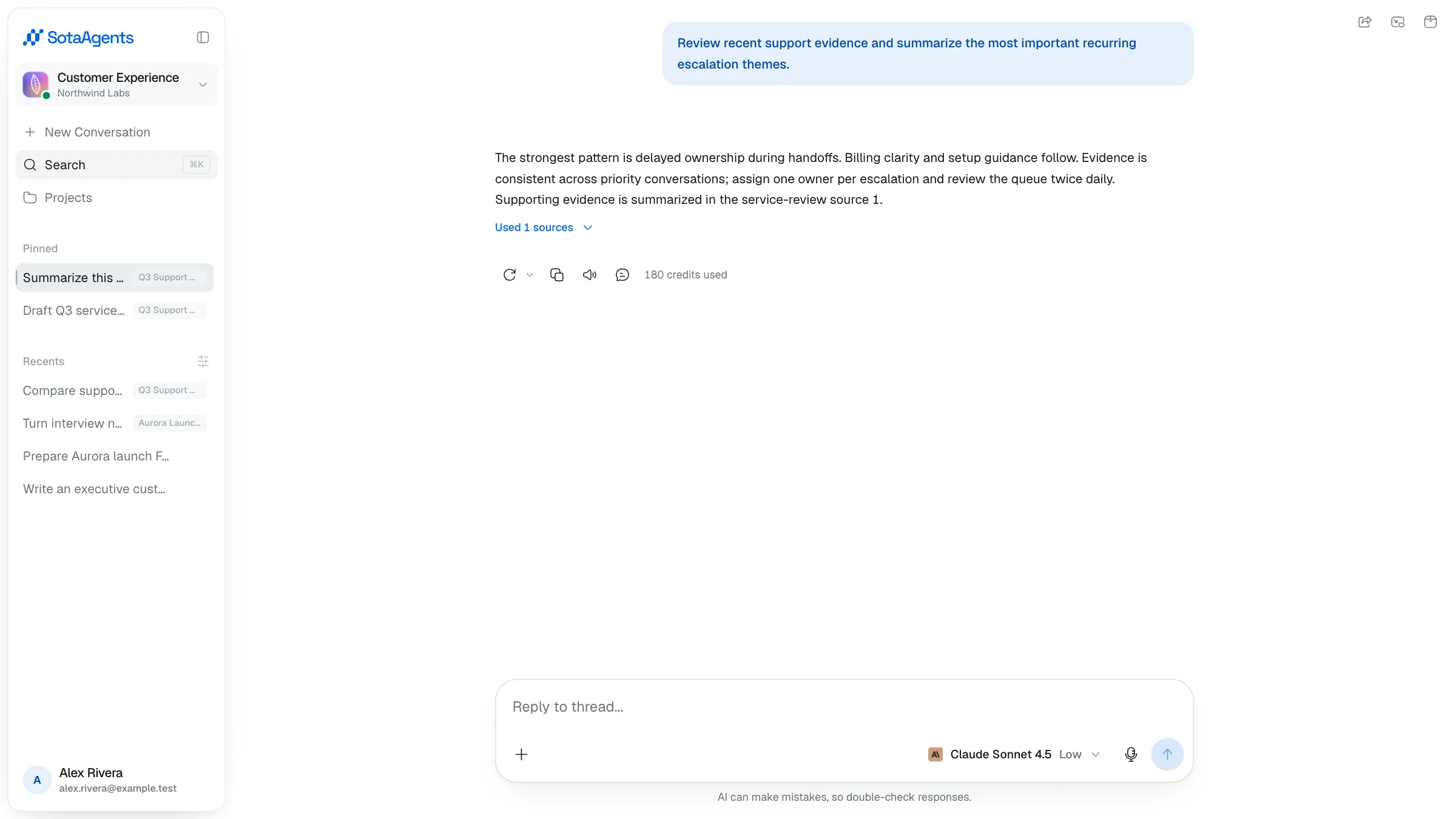
Chat is the core — type a message and the assistant replies, searches, generates files, and calls tools as needed. You can also organise conversations into projects, share them with teammates, and tune the model per conversation.
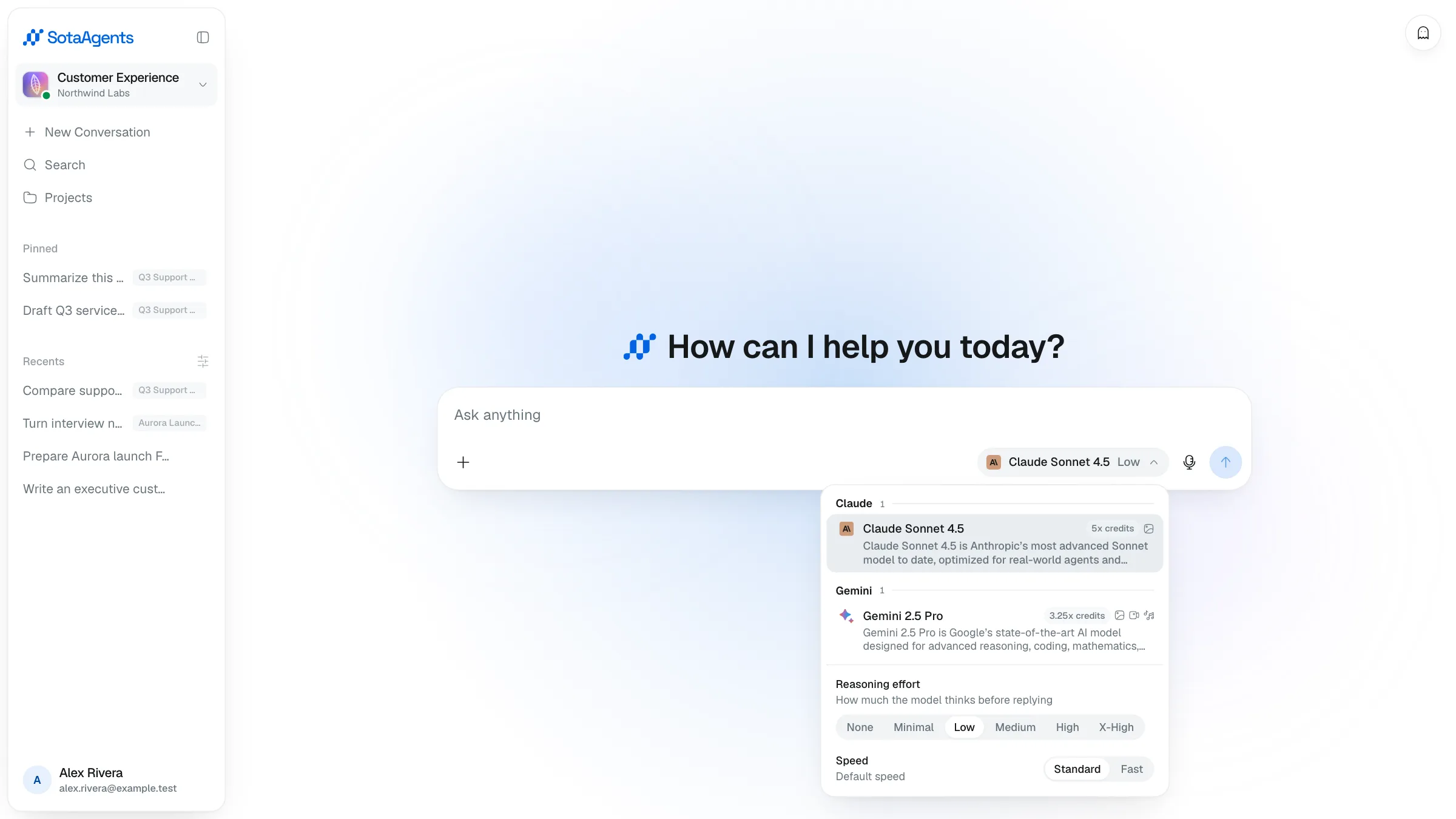
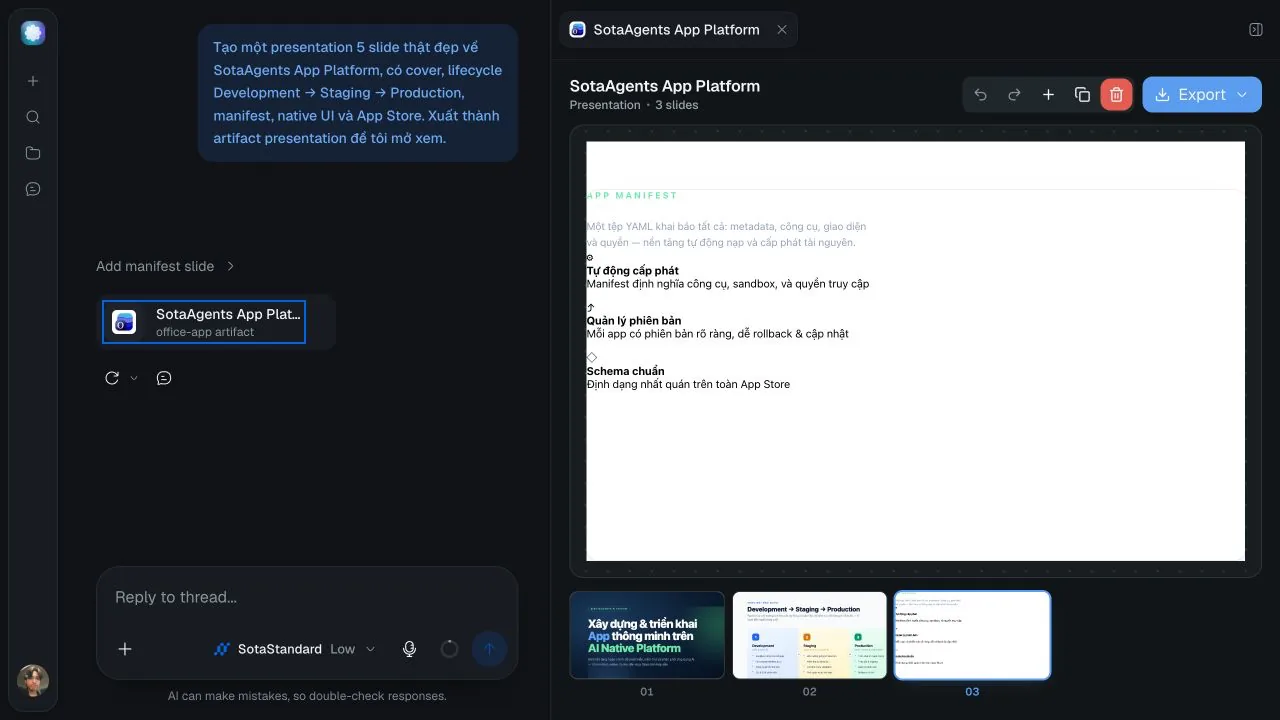
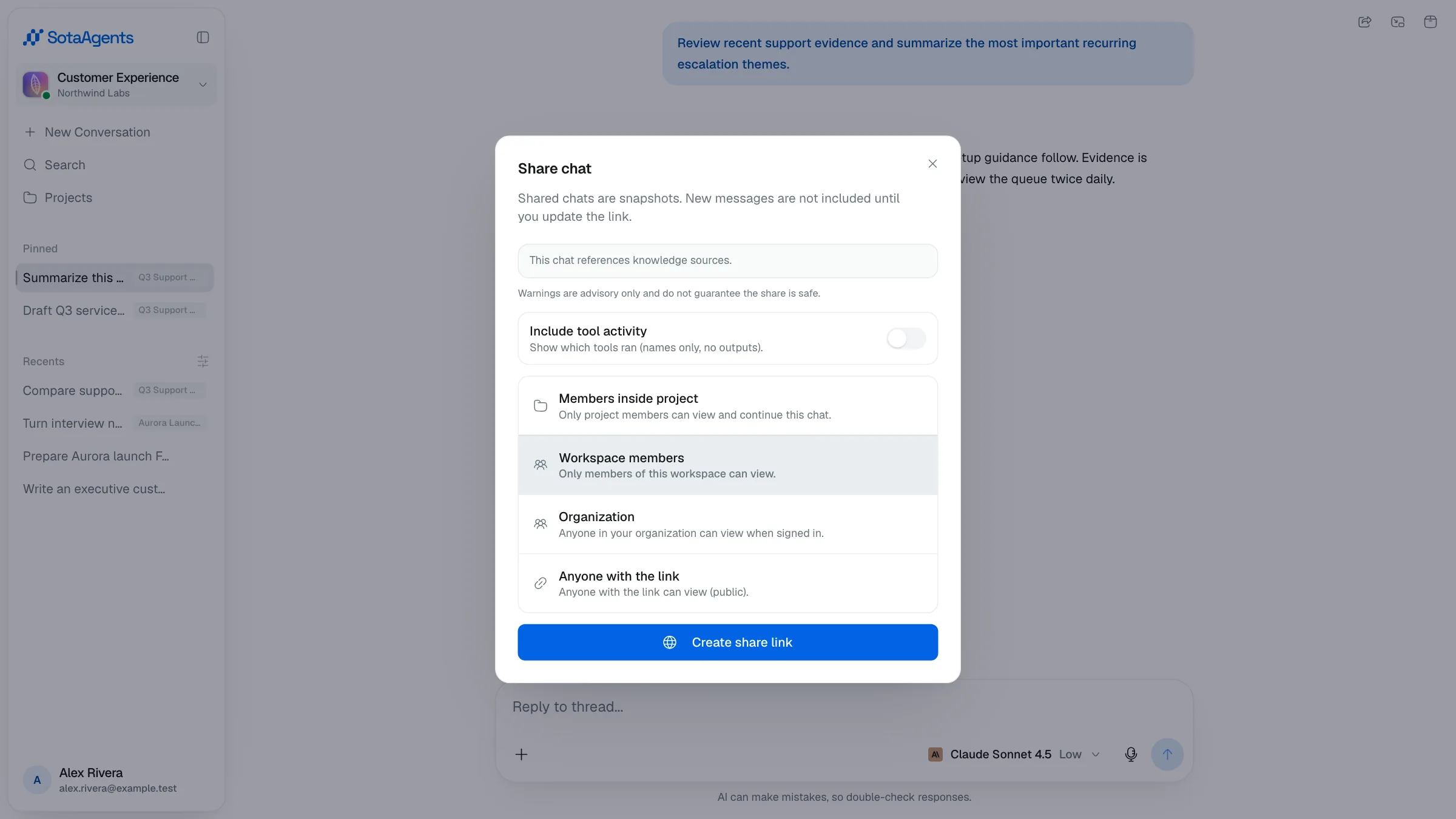
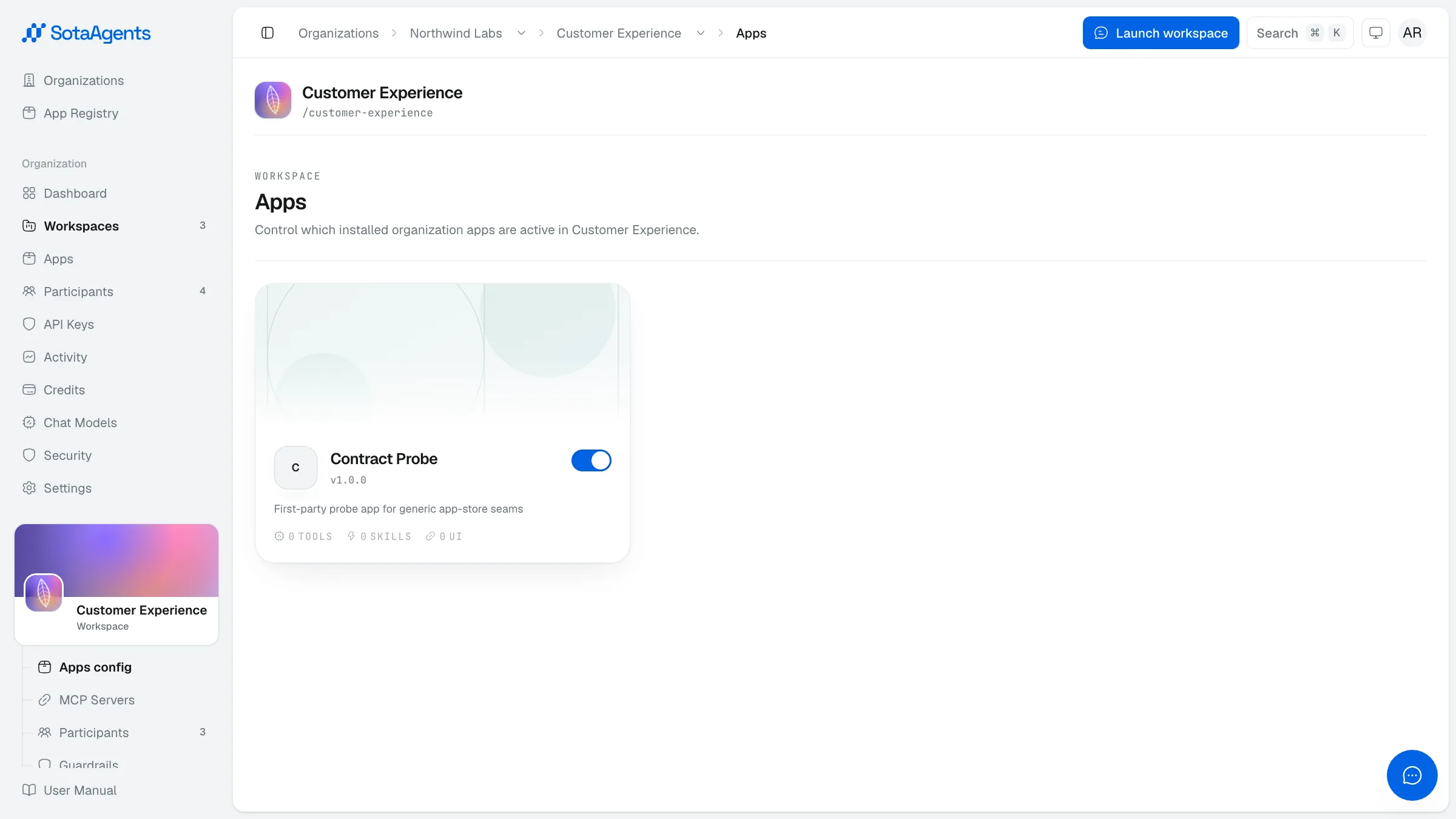
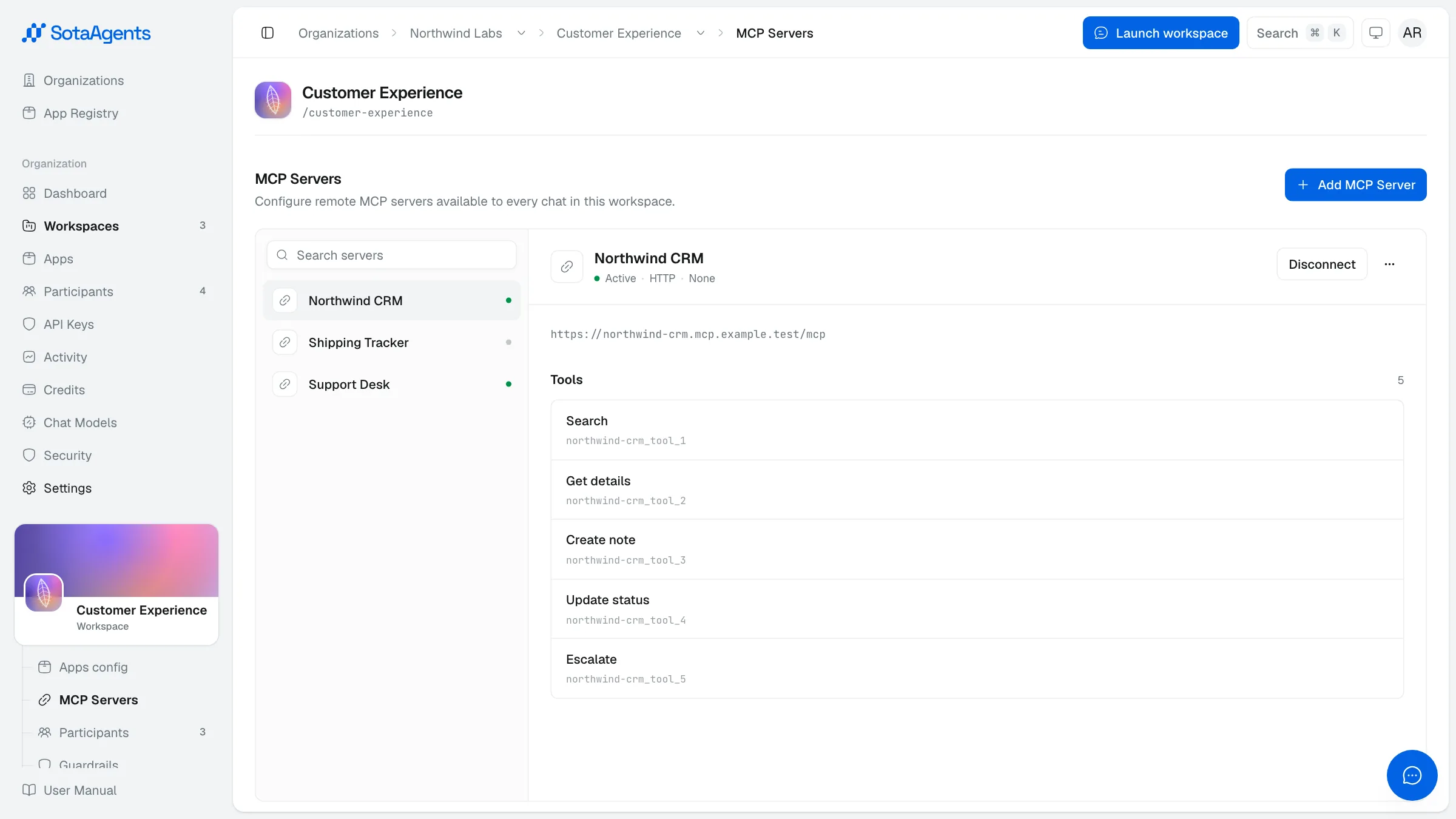
01Starting a chatChat always happens inside a workspace, so the first step is to launch one. Open the workspace selector at the top of the sidebar, pick the workspace you want to work in, and th…02Model & session settingsThe model selector sits inside the composer on desktop and mobile. It shows the current model and opens a panel where you choose the model and tune how it responds. The choice a…03Upload AttachmentsDrop a file into a conversation when you want the assistant to read it for that turn — a contract, a spreadsheet, a screenshot.04Rich answersAssistant answers are more than plain text. SotaAgents renders them with full formatting and can embed generated content right in the reply.05Artifacts panelWhen the assistant produces a file — or when you open a citation — it appears in the artifacts panel on the right of the chat.06Citations & sourcesWhen the assistant answers using documents from your workspace or the web, it cites them. Citations appear as small labeled chips inline in the answer, showing the source file n…07HistoryOrdinary, successfully created chats are saved in workspace history. Incognito chats are not retained in History: Core may persist them temporarily while the session is active,…08ProjectsProjects let you group related conversations under a shared name, with optional instructions and shared context files. Click Projects in the sidebar to open the projects list.09SharingYou can share a conversation snapshot with teammates or the public via a link. A shared link captures the conversation at the moment you create it — new messages aren't included…10IntegrationsProvider connections for documents live inside the Knowledge Base app, not in a core workspace Integrations route. The app must be installed for the organization and enabled for…11MCP serversMCP servers give the assistant tools. Where Integrations let the assistant read your documents, MCP servers let it do things — open a Linear issue, post in Slack, push to a Noti…