
What apps can do
On this page
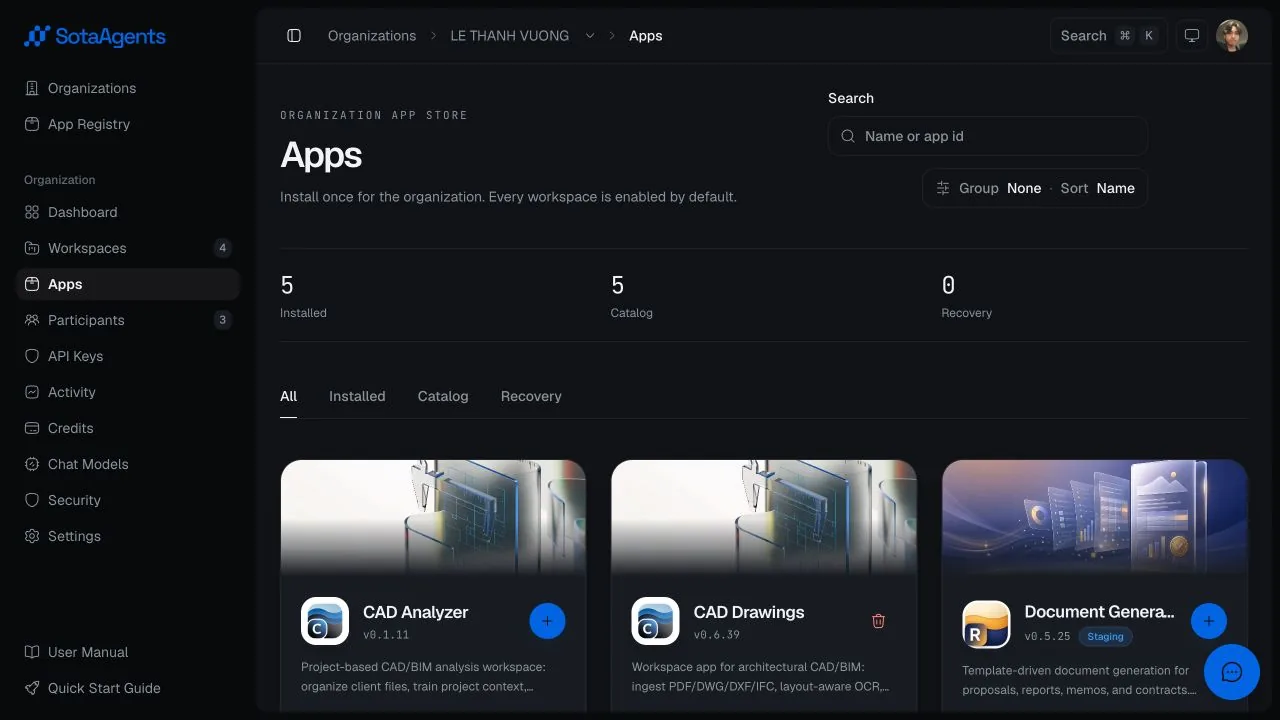
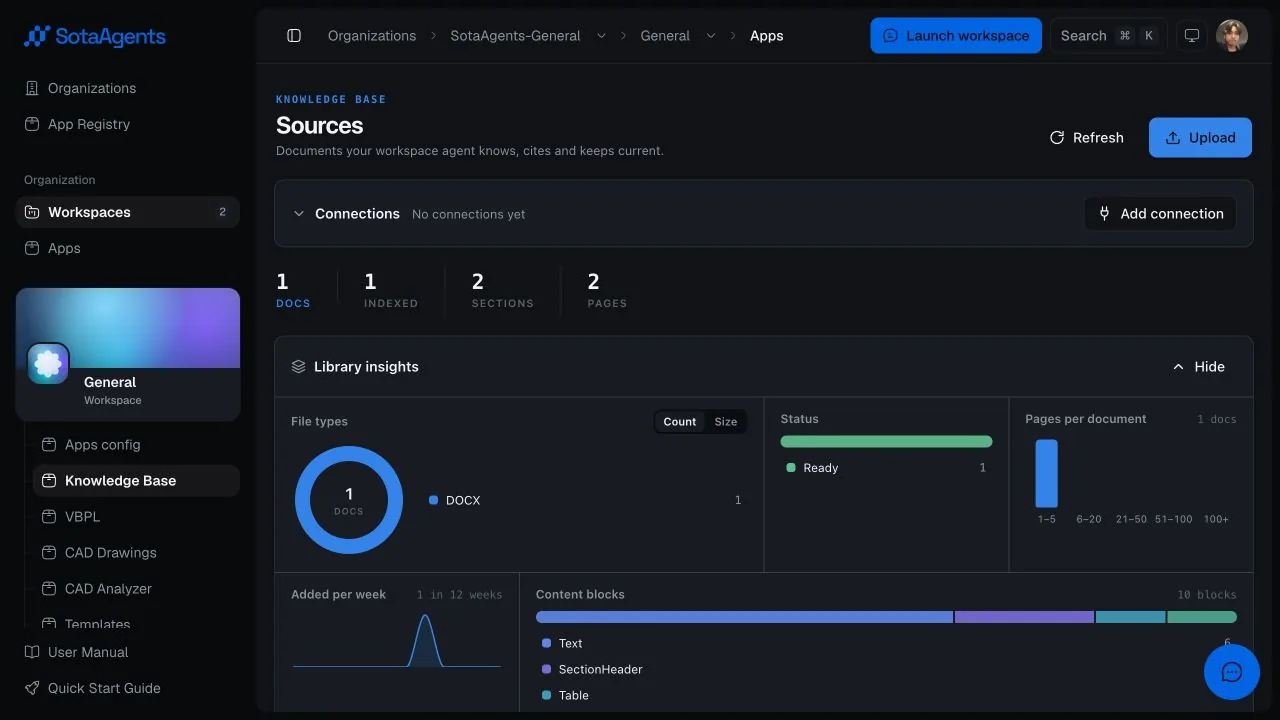
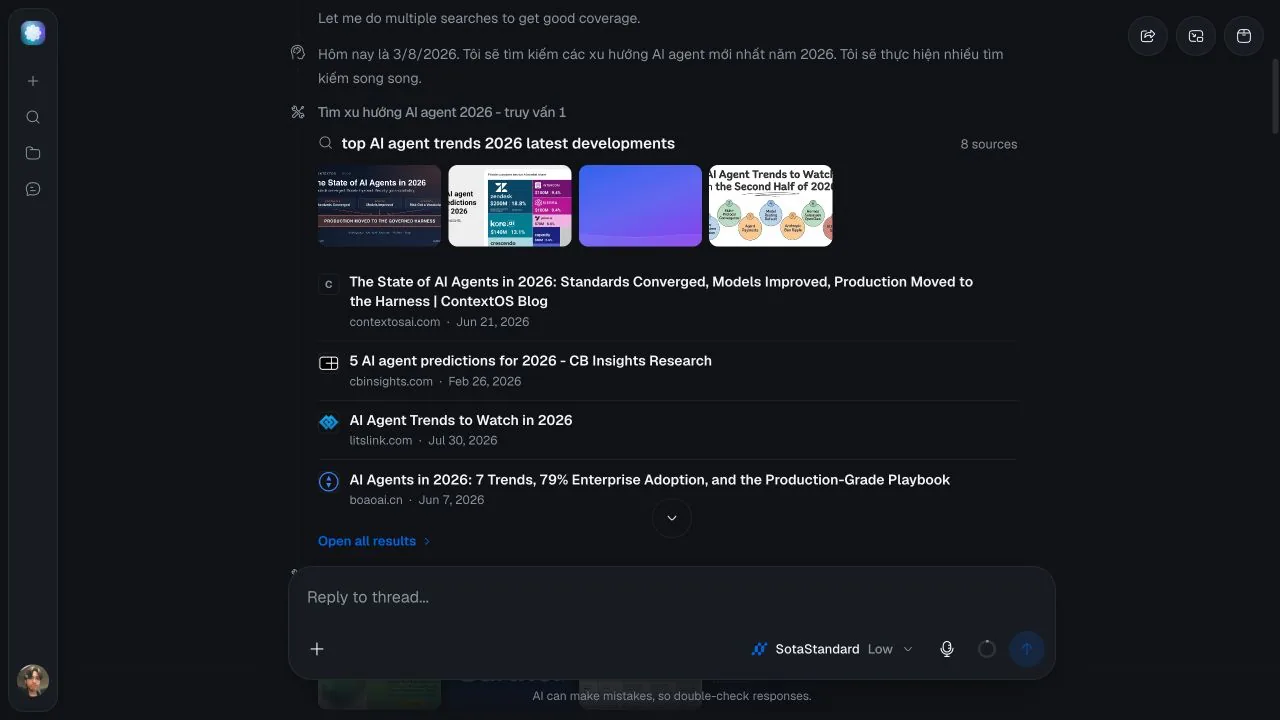
A SotaAgents app is a versioned capability package that extends the platform inside an organization and its workspaces. One app can contribute callable tools, reusable skills, native UI surfaces, tool-result renderers, hooks, events, prompts, and scoped data access. The platform owns identity, installation, authorization, environment selection, asset delivery, and audit. Your app owns its business logic and app-specific data.
Why apps exist#
SotaAgents ships one assistant, but no assistant can know your CAD drawing standards, your legal-review procedure, or the API of the ERP your company runs on. Rather than growing the core product for every domain, the platform is deliberately incomplete: an app is how a team adds the missing capability, and the platform bends around it. The same shell serves a legal document-review app, a knowledge base, a CAD generator, an office-document builder, and a web-search app precisely because none of that domain logic lives in the core.
Concretely, an app is a directory containing a manifest.yaml and — when the capability needs computation, private credentials, external APIs, or durable domain data — an HTTP service you host yourself. Nothing is discovered by inspecting your code. The platform exposes exactly what the manifest declares, for exactly the organization, workspace, and environment it resolved, and refuses anything undeclared.
Two things follow. The assistant gains abilities it could not otherwise have: a tool it can call to query or change your systems, a skill that teaches it your procedure, a screen that renders your data inside the workspace. And your team ships those abilities on its own release cadence, in its own language and runtime, without any change to SotaAgents itself.
It is versioned, installed per organization, enabled by default in every workspace unless an administrator adds a workspace override, and resolved to one exact environment on every request. That is what makes third-party domain logic safe to run beside first-party features.
Typed backend actions the assistant can call.
Instructions and workflows that guide the assistant.
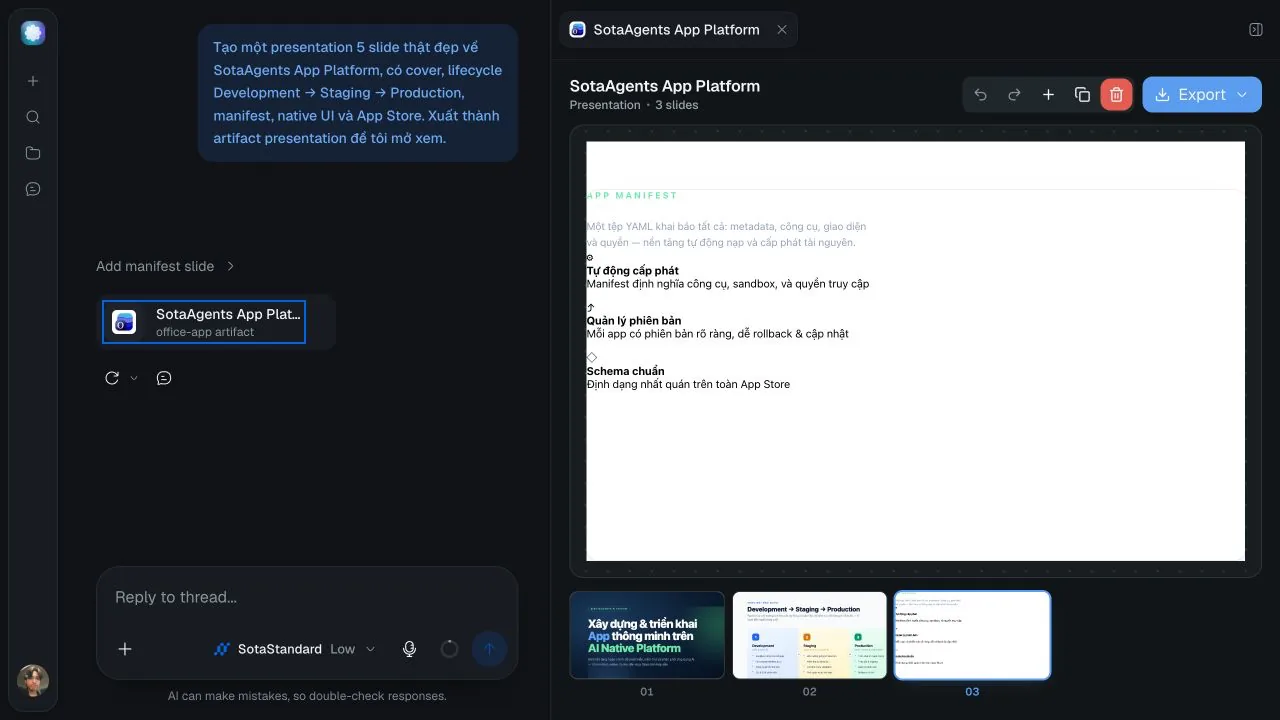
Workspace pages, admin screens, inline views, and artifact renderers.
Authorized, environment-scoped storage and backend access.
Where app experiences appear#
| Manifest surface | Use it for | Typical host |
|---|---|---|
page | Persistent workflows with navigation and state. | Workspace or admin pages. |
tool-view | Render one bound tool call, including optional input-streaming state. | Inside a conversation tool result. |
message-part | Render a bound message contribution inline. | Inside an assistant or user message. |
artifact | A durable output users can reopen, inspect, or export. | Artifact panel. |
card | Compact app-owned status or entry content. | Workspace assistant card slot. |
composer-action | A compact action beside the chat input controls. | chat.composer.actions. |
composer-panel | Contextual, app-owned UI that can read and atomically edit the active draft. | chat.composer.panel. |
useComposer is intentionally available only inside a composer-panel. A composer-action is a separate surface and does not receive direct draft-edit authority.
Every tool, screen, asset, and data request belongs to Development, Staging, or Production. There is no automatic fallback from one environment to another.