Admin Console
For organization owners and admins — manage roles, workspaces, apps, members, API keys, and credits.
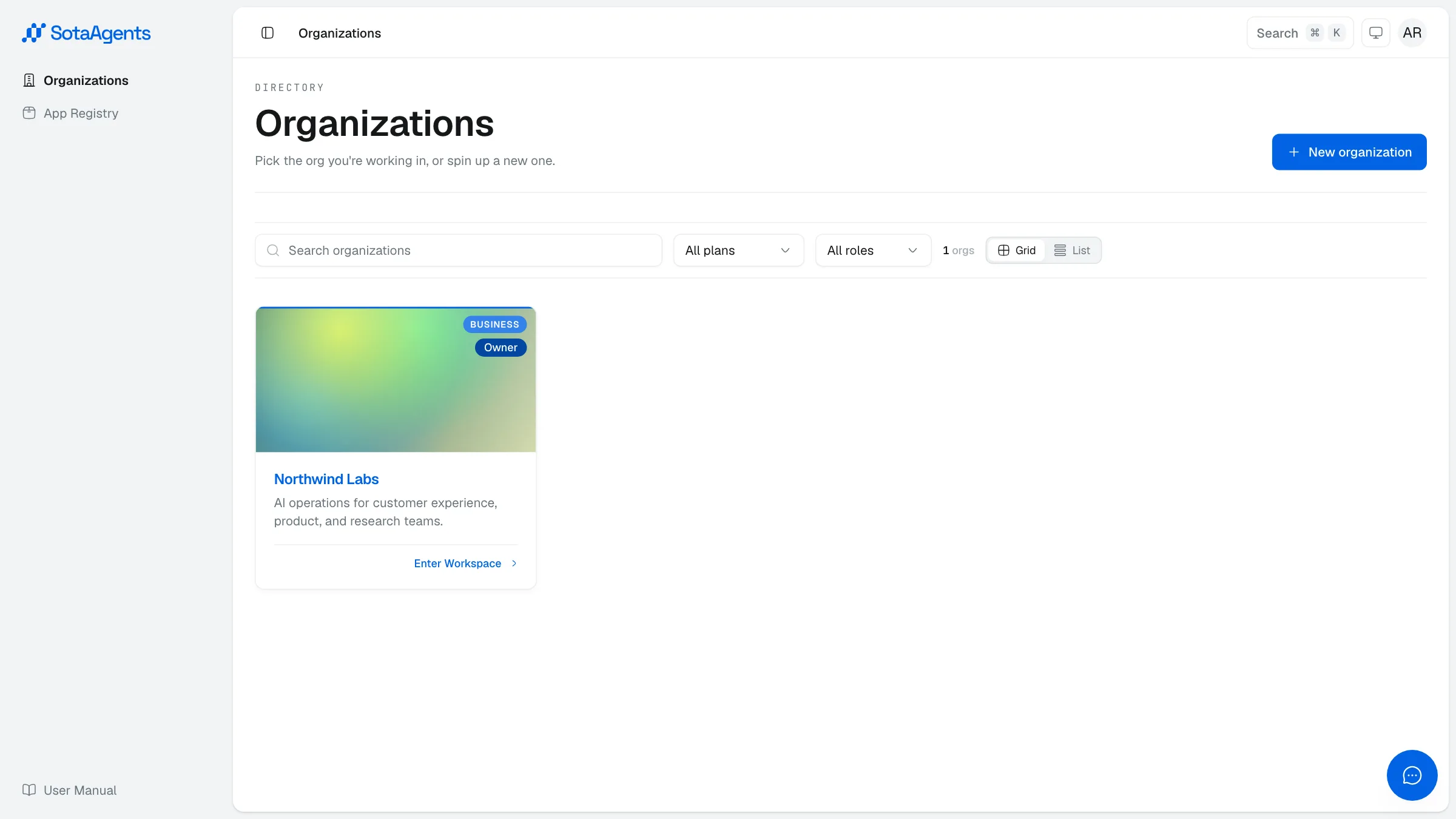
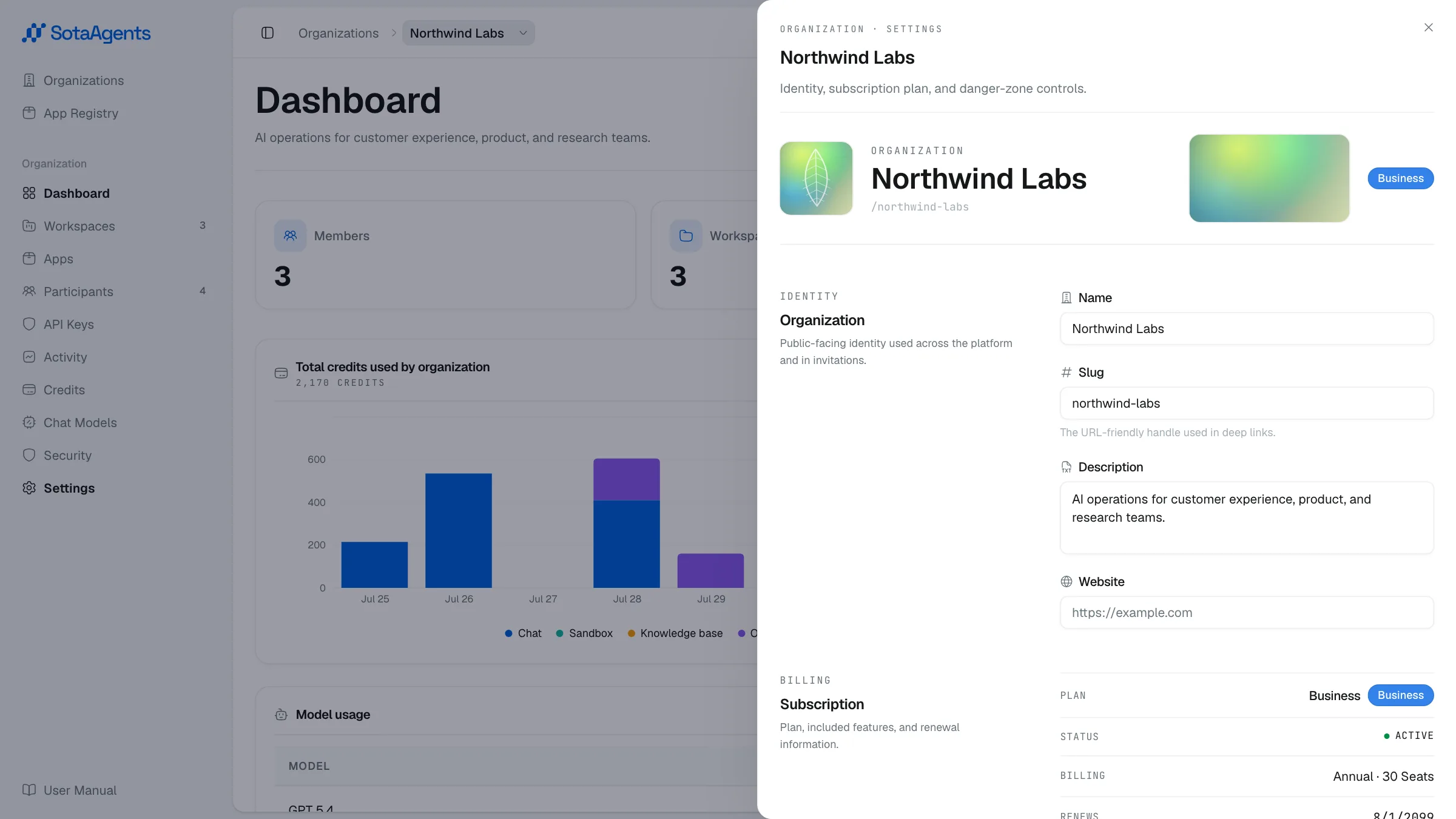
01Roles & permissionsAccess works on two levels. Your organization role sets what you can do across the whole account — billing, members, and workspaces. Your workspace role sets what you can do ins…02Console overviewThe Admin Console (/console) is where org owners and admins manage the platform. It is separate from the workspace chat UI and requires org admin or owner role to access most fe…03DashboardThe org dashboard gives you a real-time snapshot of platform activity without leaving the console.04WorkspacesThe Workspaces tab lists every workspace in your org. From here you can create new workspaces or drill into an existing one to configure it.05Installing appsApps are installable extensions that add specialized capabilities to your org. Admins manage the live inventory from the Apps tab in the Admin Console (org detail → Apps).06Inviting peopleInvite teammates from Console → Your org → Participants → Invite.07API keysAPI keys authenticate approved machine-to-machine integrations. The first-party Configure Embed public deployment does not use an organization API key in the browser; it exchang…08Audit logsAudit logs give admins a full record of who did what and when — at both the org level and individual workspace level. They are read-only and can be exported to CSV.09Credit managementSotaAgents bills usage as credit at the organization level. Every chat turn, document generation, image generation, and tool call consumes credit. Navigate to Console → Your org…10Chat modelsThe Chat Models tab (Console → Your org → Chat Models) controls which AI models are available across your org and sets the org-wide default.11SecurityThe Security page (Console → Your org → Security) has SSO and IP Access Rules surfaces for org owners and admins (plus the SotaAgents operations team when assisting you).12GuardrailsGuardrails keep conversations safe: they block prompt-injection and jailbreak attempts, mask personal data, and screen tool/document output. Configure them from the workspace's…