
Chat models
On this page
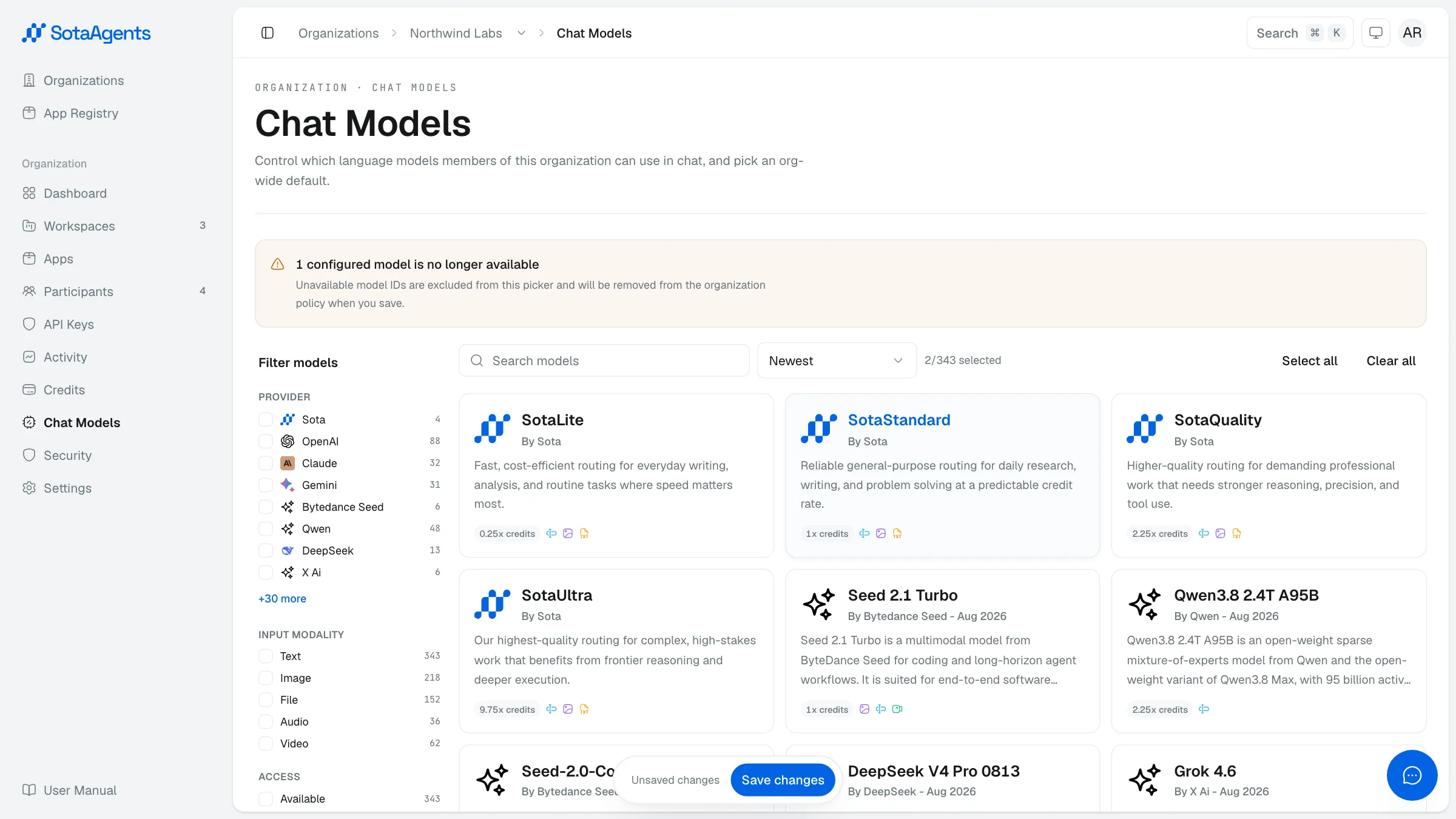
The Chat Models tab (Console → Your org → Chat Models) controls which AI models are available across your org and sets the org-wide default.
Availability#
Use the organization allow-list to control which models members can select. Platform-restricted models do not appear in the chat picker. An eligible Owner/Admin can submit or cancel an access request here; the SotaAgents operations team reviews it, and only an approved grant makes the model selectable. Organization owners and admins receive an email when access is granted.
Org default#
Mark one model as the org default — this is pre-selected in the chat input for every member who hasn't pinned a different model themselves.
Changes take effect only after you click Save. A save bar appears at the bottom of the page when you have unsaved edits.