Audit logs
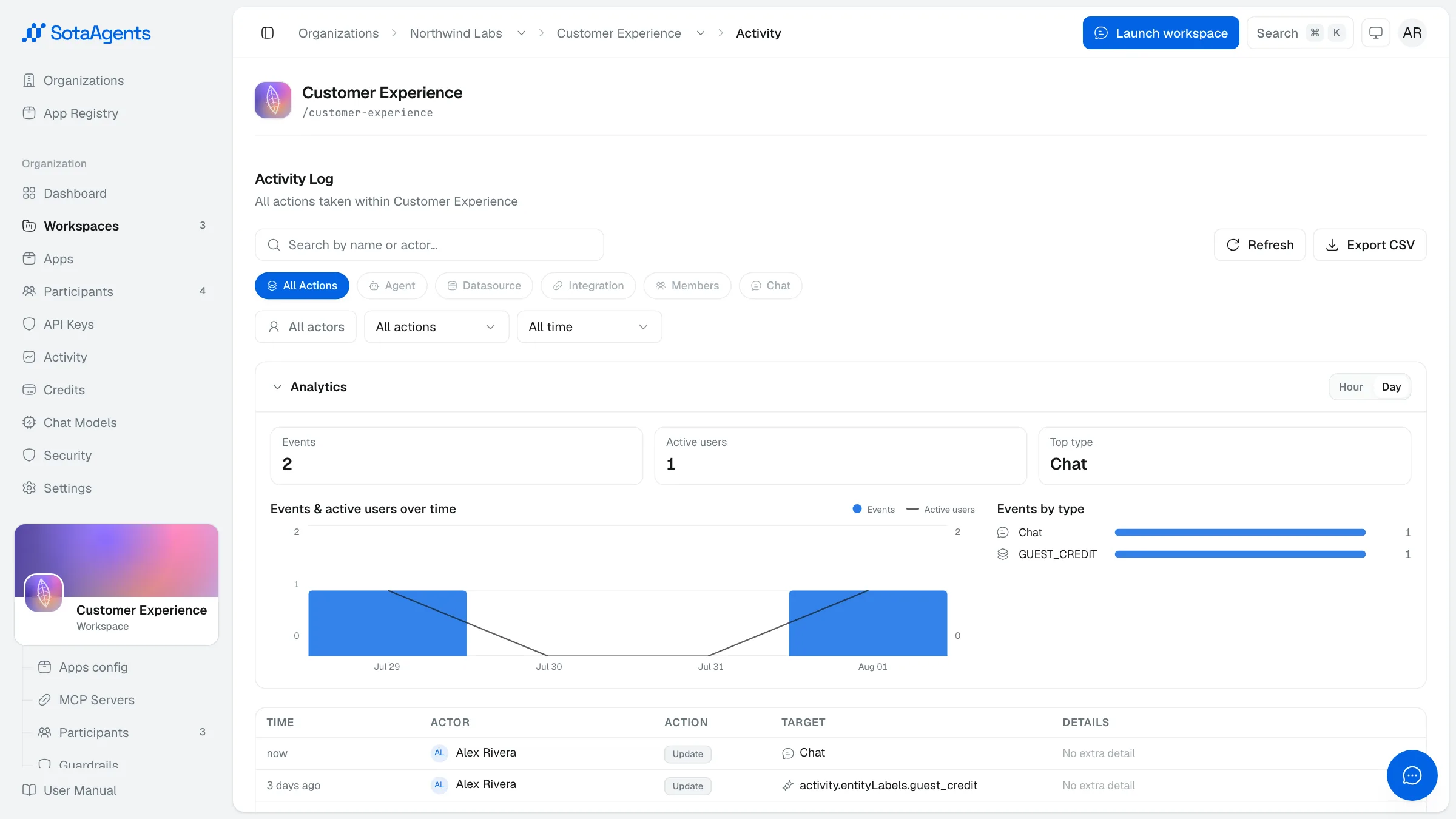
Audit logs give admins a full record of who did what and when — at both the org level and individual workspace level. They are read-only and can be exported to CSV.
What's logged#
| Column | Description |
|---|---|
| Time | Timestamp of the action. |
| Actor | The user or system that performed the action. |
| Action | The type of event: create, update, delete, or execute. |
| Target | What was acted on — an app, datasource, integration, participant, or chat. |
| Details | Click to expand the full event payload, including the complete conversation context and structured data for the action. |
Accessing logs#
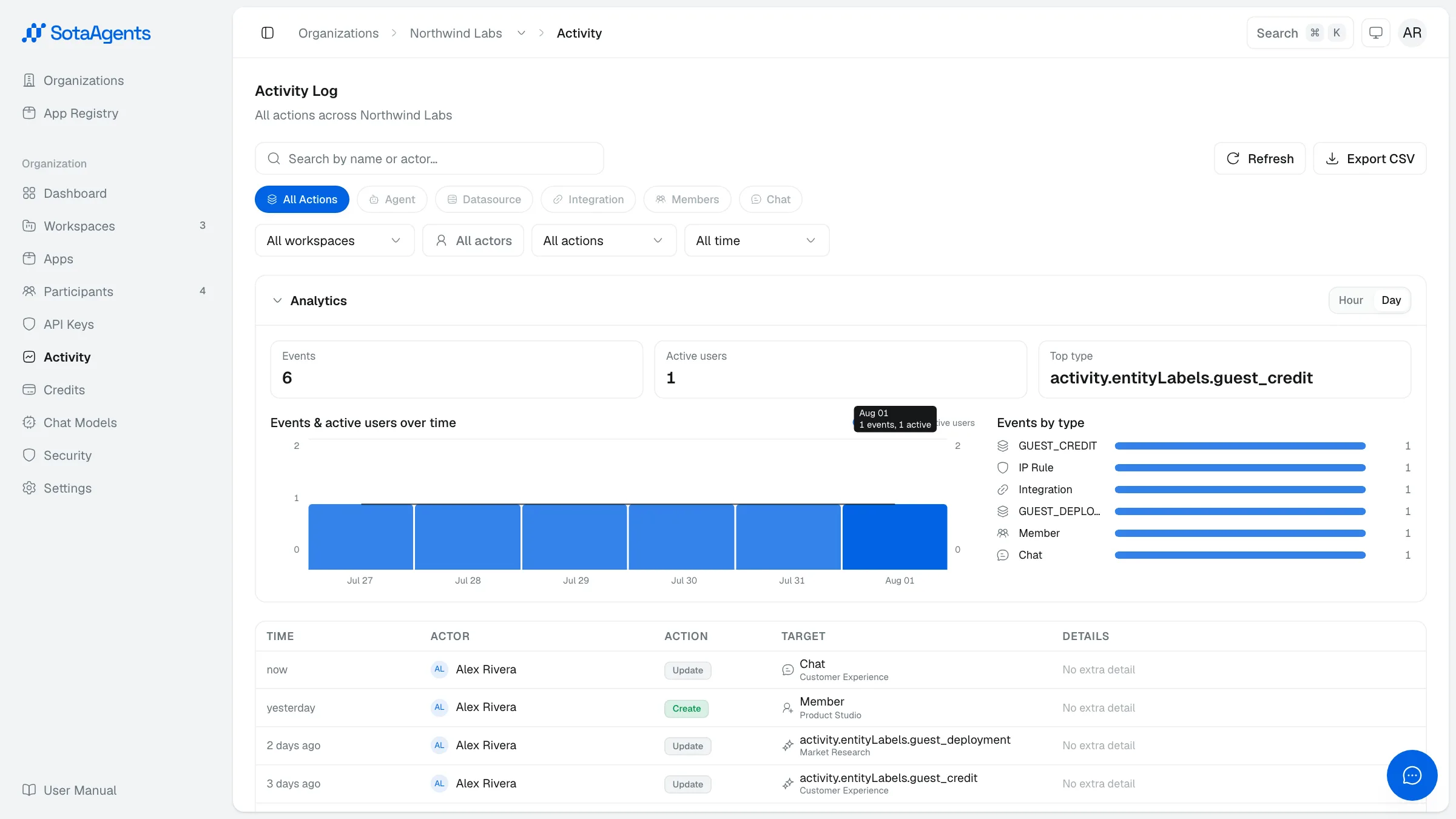
- Org-level — go to Console → Your org → Activity. Shows all events across every workspace in the org.
- Workspace-level — go to Console → Your org → Workspaces → [workspace] → Activity. Scoped to that workspace only.
Filtering and exporting#
Use the search box, actor filter, action filter, and date-range picker to narrow the log. Click Export CSV to download the current filtered view.