
Console overview
The Admin Console (/console) is where org owners and admins manage the platform. It is separate from the workspace chat UI and requires org admin or owner role to access most features.
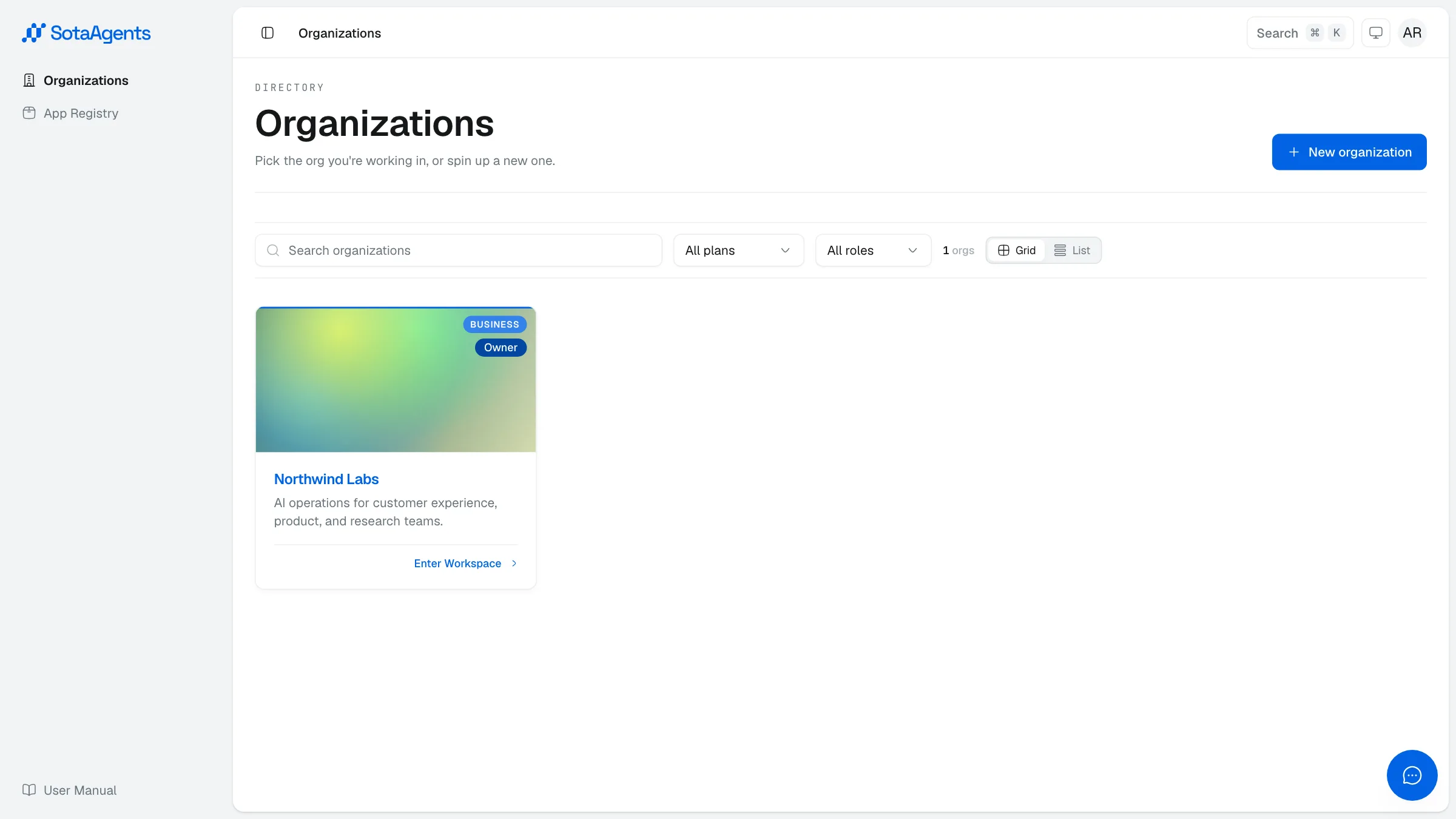
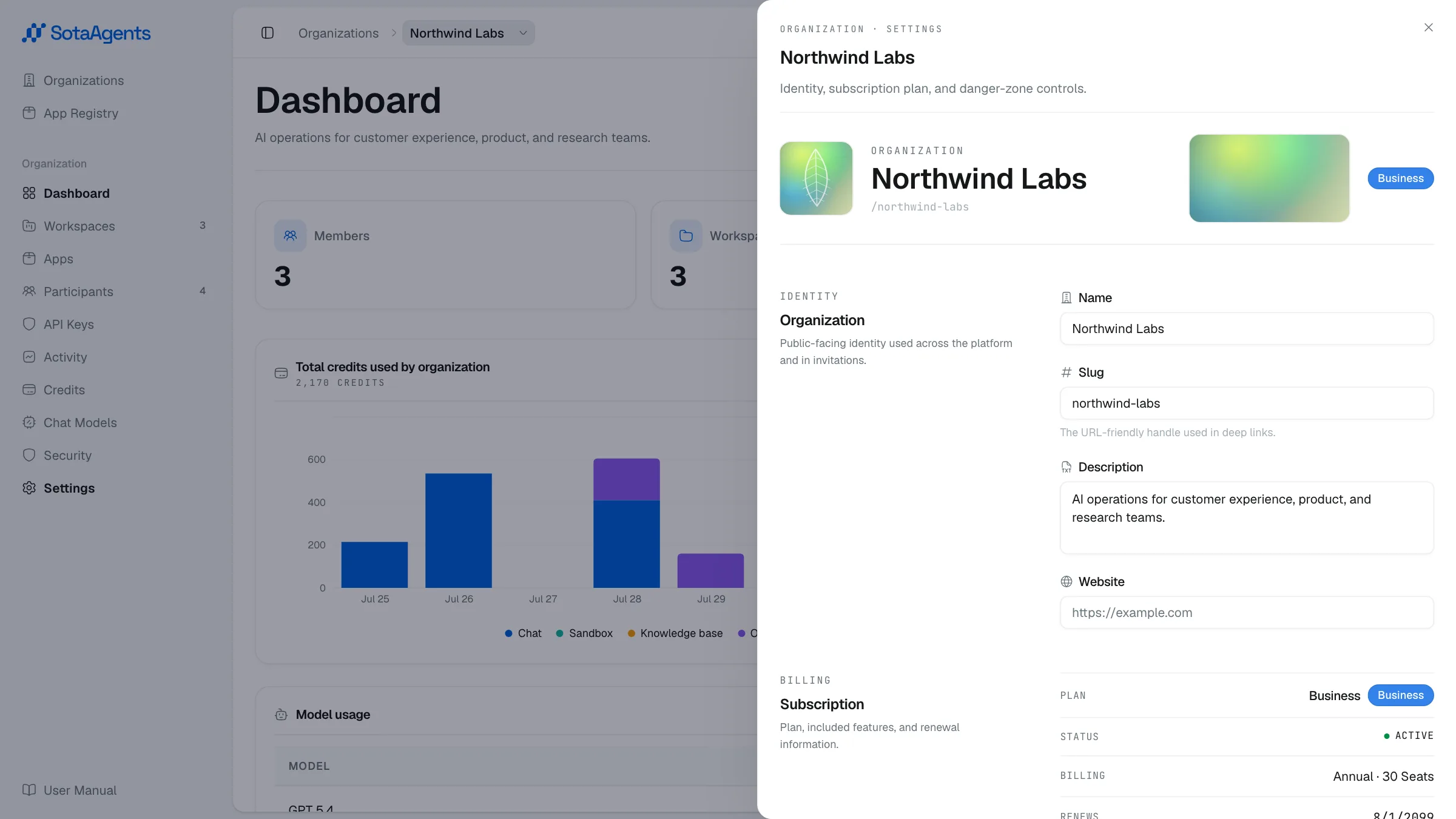
The console is organized around your organization. From the org detail screen you can navigate to:
- Dashboard — usage overview and recent activity
- Workspaces — create, manage, and configure workspaces
- Apps — install and manage extensions from the App Store
- Participants — manage org members and roles
- API Keys — credentials for machine-to-machine access
- Activity — audit log for the whole org
- Credits — credit usage, allocation, alerts, and top-ups
- Chat Models — control which models are available and set an org default
- Security — org-level security settings
- Settings — org name and general configuration