
Roles & permissions
Access works on two levels. Your organization role sets what you can do across the whole account — billing, members, and workspaces. Your workspace role sets what you can do inside a specific workspace. A person can hold different roles in different workspaces, and org owners and admins automatically get admin rights in every workspace under the org.
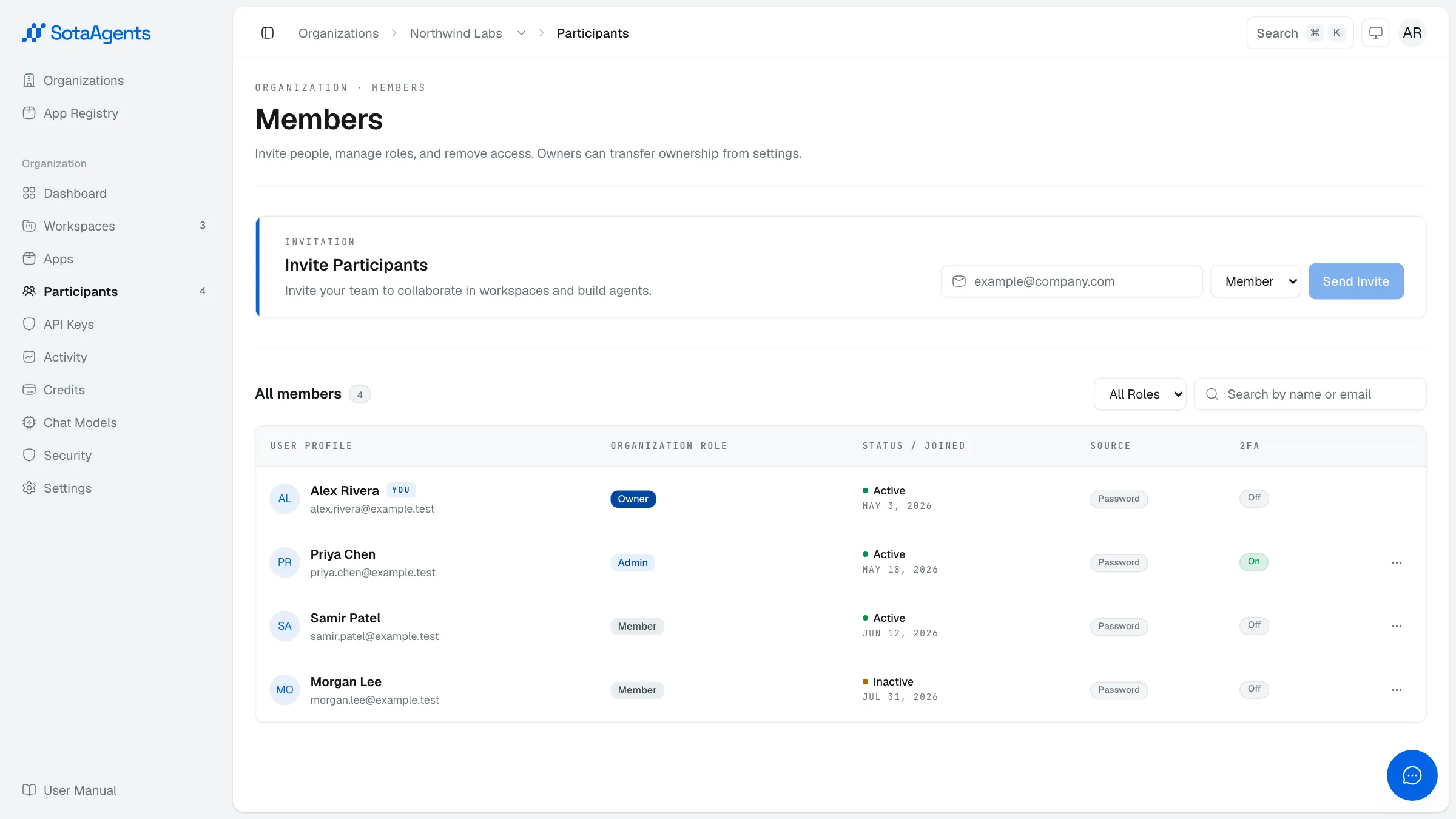
Organization roles#
| Role | What they can do |
|---|---|
| Owner | Manage organization membership, workspaces, API keys, apps, security and the owner/admin credit-policy actions described below. Ownership does not grant platform subscription or money-movement authority. |
| Admin | Manage organization membership, workspaces, apps and many credit-policy settings. Exact screens and mutations are still enforced by the API; “Admin” is not shorthand for unrestricted billing. |
| Member | Use the workspaces they've been added to. |
Subscription and credit authority#
| Action | Authority |
|---|---|
| Read organization credit overview | Organization members |
| Credit package CRUD/assignment and rolling user limit | Organization Owner or Admin |
| Read Guest Credit add-on and manage workspace guest allocations | Organization Owner or Admin |
| Upgrade, downgrade, cancel plan; top-up or refund | SotaAgents operations team only |
| Pool/seat configuration and Guest Credit add-on lifecycle | SotaAgents operations team only |
Workspace roles#
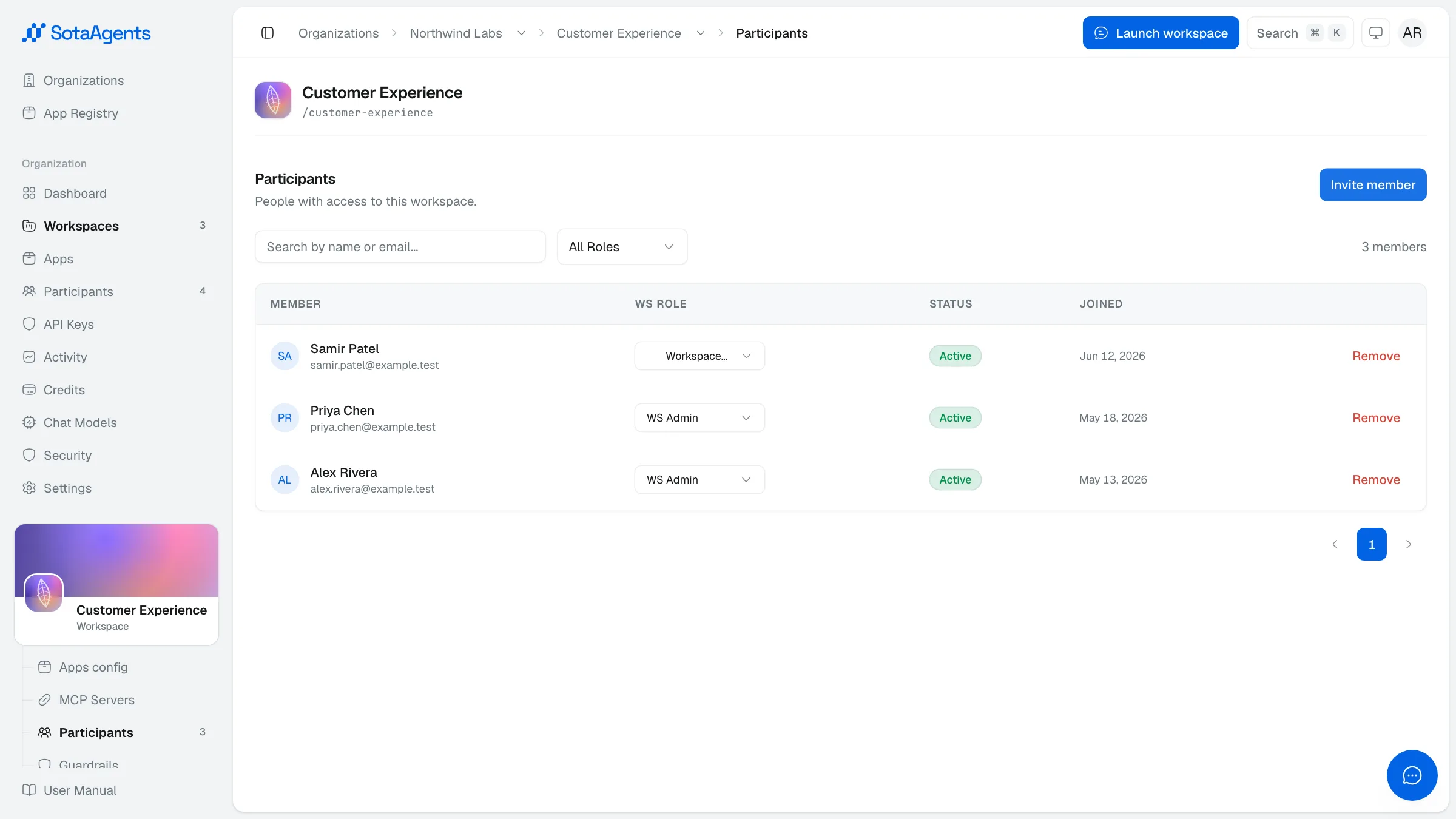
| Role | What they can do |
|---|---|
Workspace Admin (WS_ADMIN) | Manage workspace settings, members, apps, integrations, guardrails, and MCP servers. |
Workspace Member (WS_MEMBER) | Use the workspace and the capabilities available there. Cannot change membership, apps, or workspace settings. Legacy Editor/Chatter values are compatibility-mapped to this role. |
Org owners and admins are auto-promoted
If you're an org owner or admin, you have workspace-admin power in every workspace under your org — no need to invite yourself separately.