Inviting people
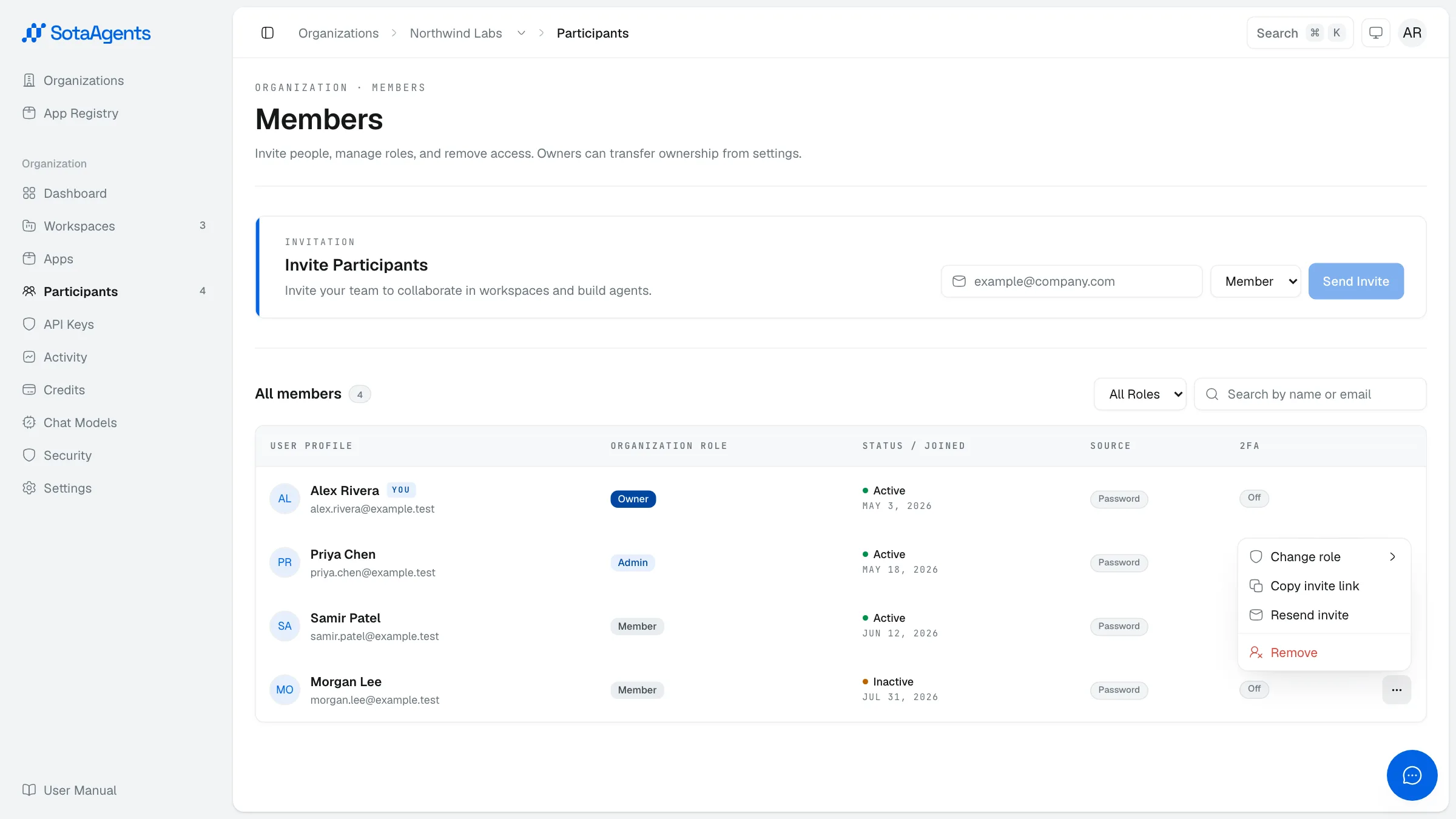
Invite teammates from Console → Your org → Participants → Invite.
1
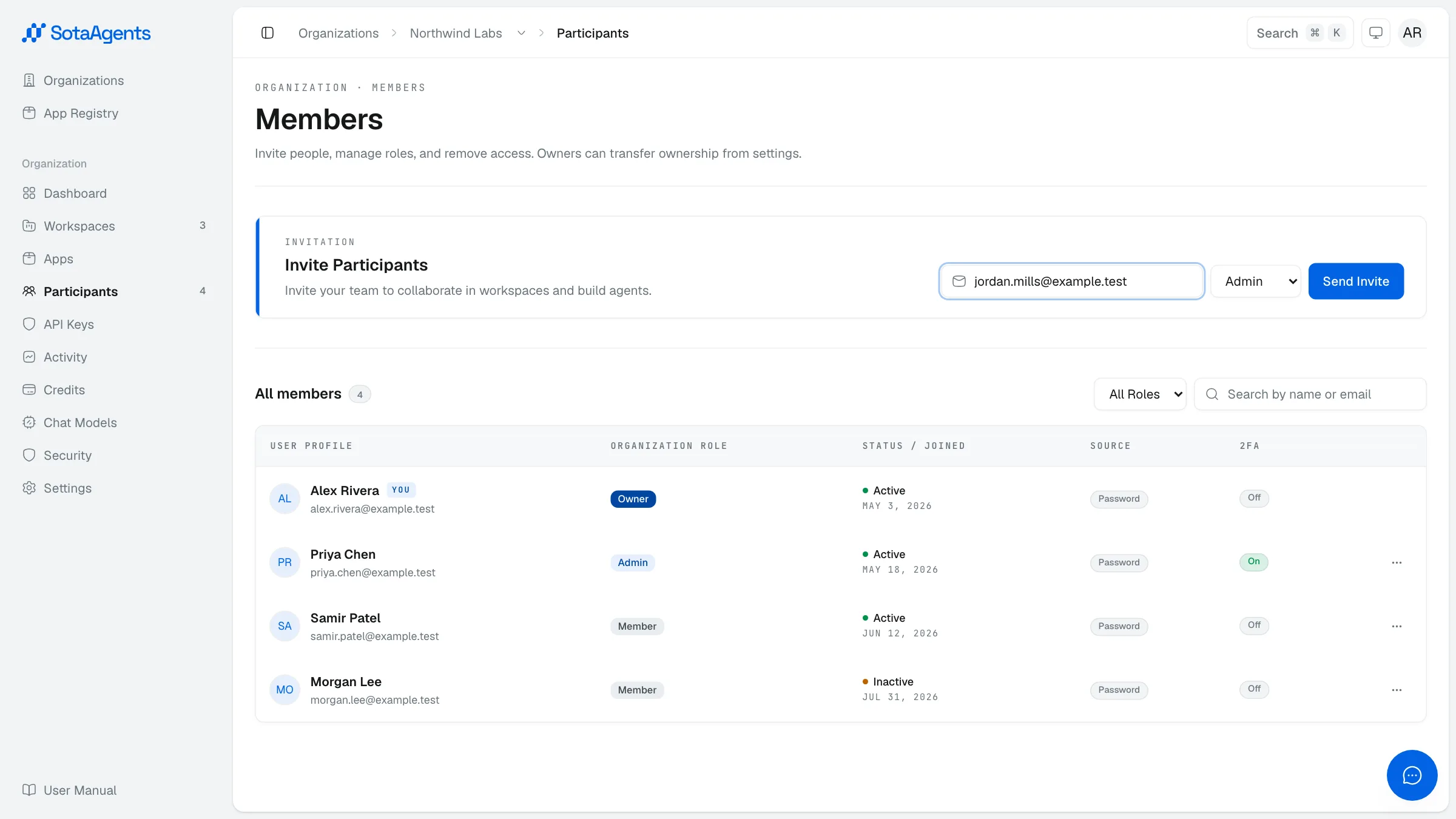
Send the invite
Enter the person's email and pick their org role (Member or Admin). Optionally add them to a workspace and set a workspace role at the same time.
2
The invitee accepts
They receive an email with a link. Clicking it asks them to sign in or register, then auto-joins them to the org and any workspace you specified.
3
Resend or remove
Until accepted, an invitee appears as Inactive in the Participants table. Open their actions menu to copy the invite link, resend the invite, or remove it if it was sent in error.